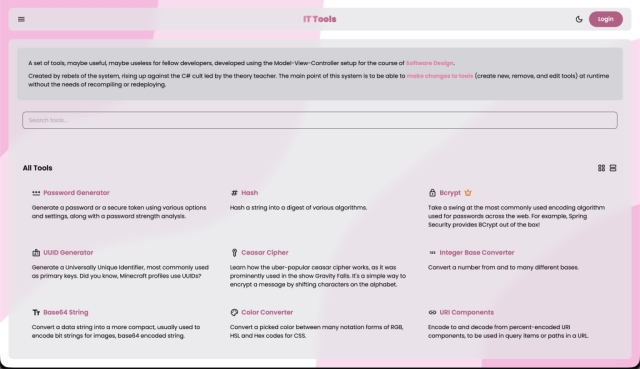
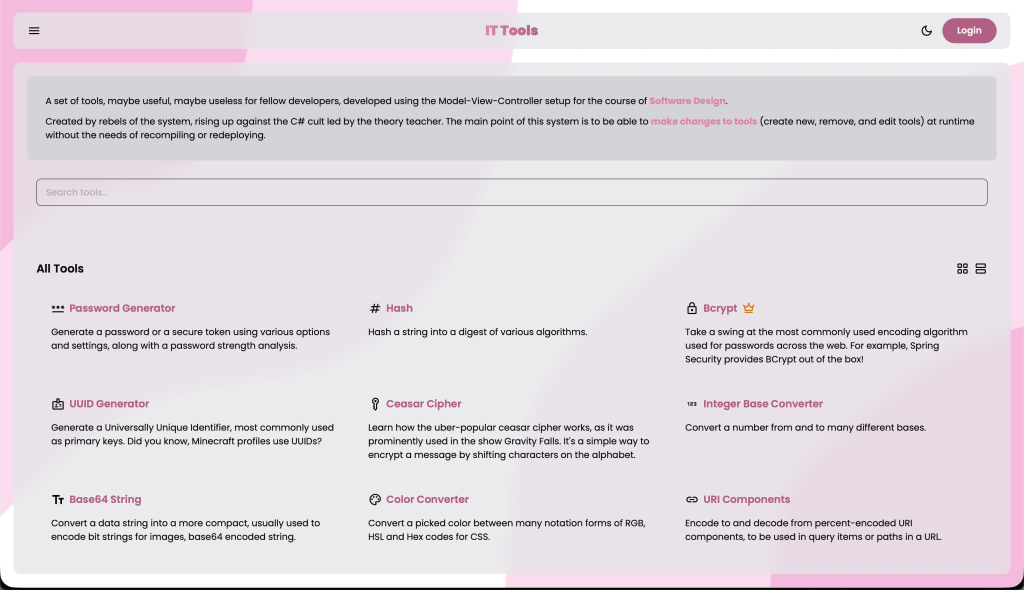
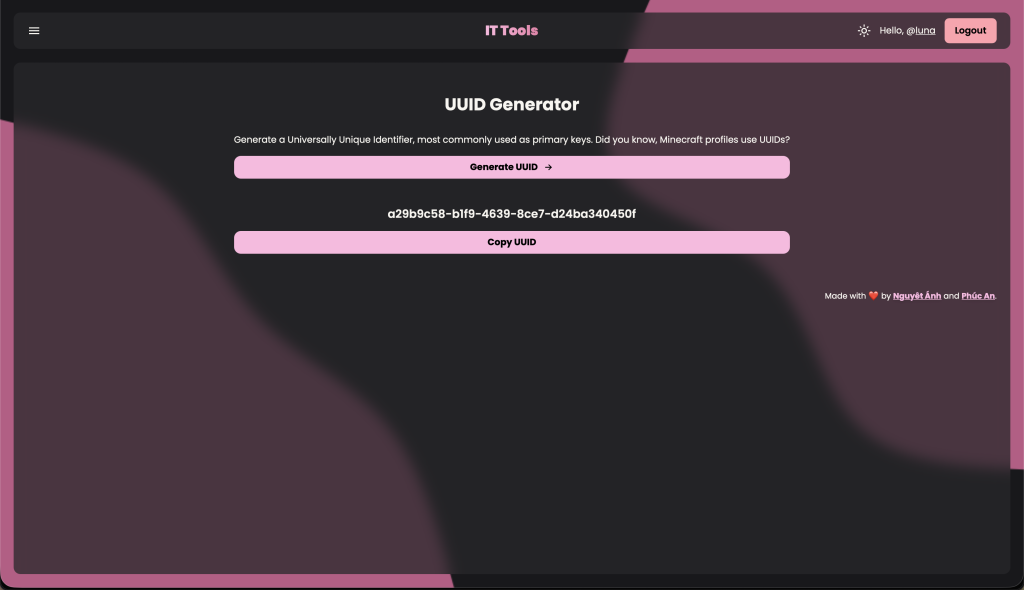
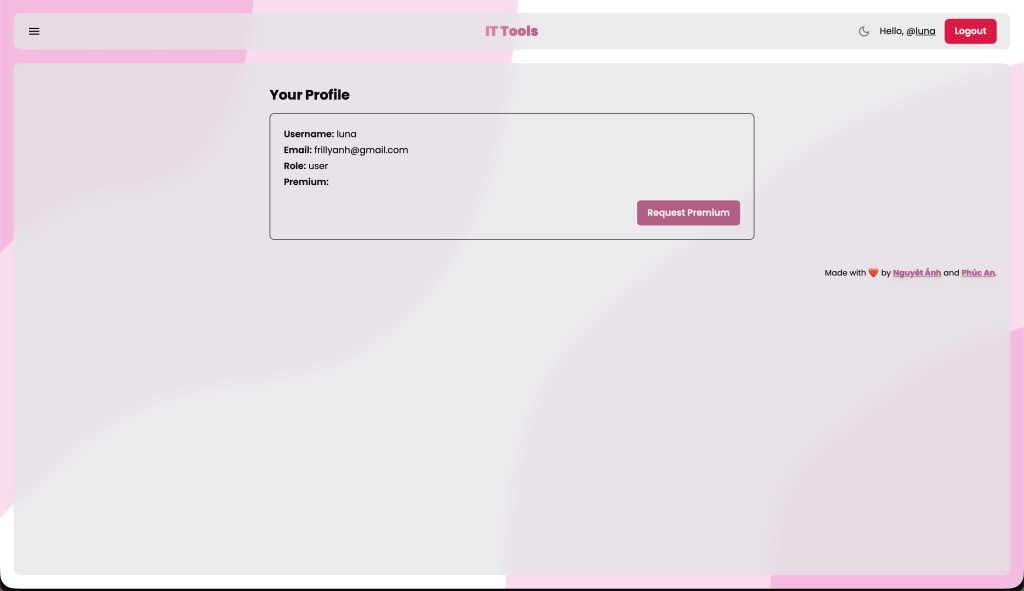
This project, named IT Tools, was a project assigned to every group for the
course of Software Design, with the idea of making a familiar toolset
for developers, similar to it-tools.tech.
The requirements included that it must have a few required features, as so:
Accounts, for premium subscriptions tracking that certain tools are only
available for subscribers, with proper 404 responses for those without
the subscription.
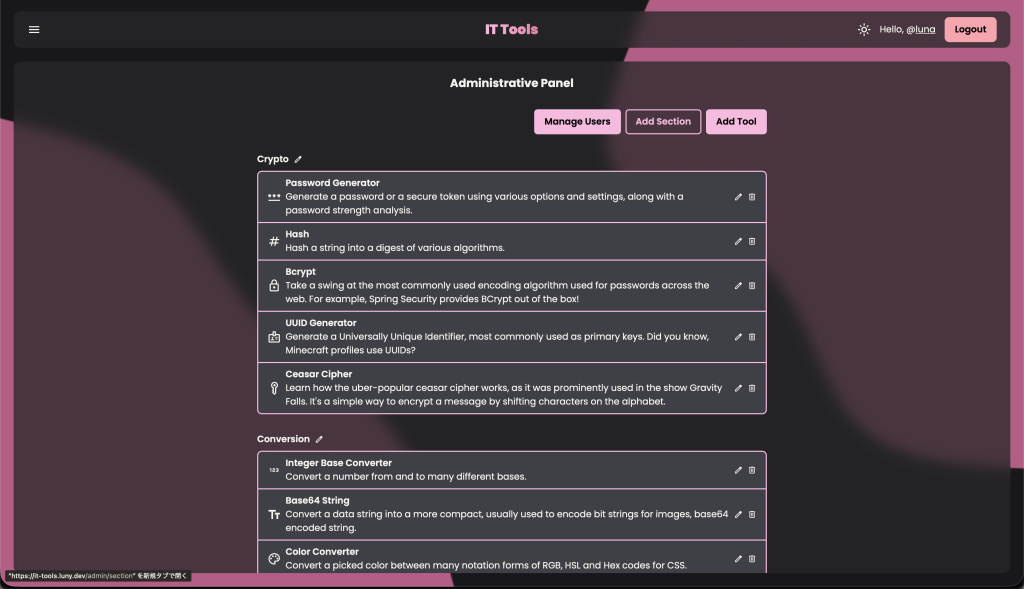
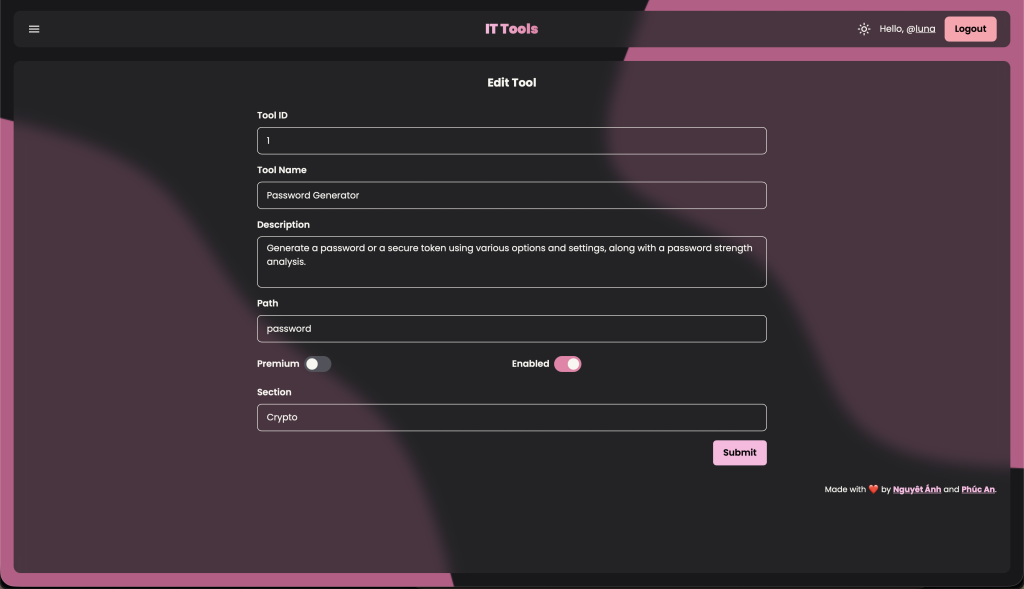
Admin pages, for adding, removing or enabling and disabling existing tools,
as well as making one premium or free.
There must be at least 30 tools across 10 categories, as diverse as possible.
But, here’s the twist:
Tools must be able to be added at runtime, as a hot-reload module.
Requirements Analysis & System Design
As you could see above, the twist requirement was actually rather vague, and that
I also referenced the website the professors linked, to see how they did it since
they were also open-source.
Here’s what I have done:
A server-side rendered application, under very simple technology using Postgres,
Express and EJS.
Each tool is an isolated EJS file, using existing libraries for JS to do a myriad
of things. This also allows us to make very sophisticated modules such as imagery
modules, sound modules and nothing really limits us.
Each tool is found and loaded then served at request time, therefore anytime in
between to modify a tool’s data will be reflected at the next request.
Database holds the source of truth, and existing tools but not persisted in the
database are considered drafts.
Hot reloads are done by using version control, or any synchronization mechanism
that puts the file for Express to scan, and adding the tool’s name using the admin
panel.
Here’s what others have done (the correct way):
An application that exposes a “Plugin” class, or a .dll file that tools inherit
from, that will get parsed and loaded when added using a direct .dll or .exe file
that satisfies that inheritance. This is the hot reload.
Each tool is intertwined directly with backend, and how the signature of the
parent class is defined. This limits it to mostly only text-based tools, or very
slow response time for every tool as everything needs a pass through the backend.
Databases are not used.
I think, any system designer or architect is probably already growning at the correct
way, with their heads being filled with edge cases, error cases and security issues.
Reasoning & The Seminar
Isolated Files as Modules
Since this was the technology taught at “Beginner“‘s level for developing web applications
from the third year, this kind of stack was very frowned upon by professors looking
at fourth years.
I chose this technology because it served the exact purpose that the project needed,
as in, pick the right tool for the job. I noticed that each tool was essentially
isolated and standalone, with no connections to other tools, or even the server,
therefore, a fully client-based application with the Express server acting as a
dynamic file router would have finished the use case with stellar simplicity.
I didn’t see any reasons to use React as all, since we did not need to hold states
across different views, or need a way to programatically generate markups. And
specifically this type of architecture of isolated files is right in line with AIs,
as I only needed to make one file by myself, styled correctly to the stylesheets,
and AIs can generate the rest in one single prompt.
The Hot Reload
Since all modules in my system are only loaded at request time, the controllers
could run checks for subscriptions and statuses before deciding whether to serve
the file. This satisfied the requirement that modules must be modifiable at runtime
without a shutdown or a restart, but, as you could tell, not the way the professors
wanted it to be.
Here are some of my reasonings, and his rebuttals:
Tools are easily added using git and adding it onto the admin panel.
Rebuttal: Not hot reload, since the server doesn’t automatically know that it
had been added.
Back-reasoning: Adding a .dll plugin file to a panel, and seeing it reload,
by that logic, also isn’t hot-reloading, since by the same adding operation,
it would have called something in the backend to load and integrate such module.
It never scanned anything, and most softwares don’t do that either (Spigot,
VSC, Chrome Extensions, etc.).
Tools are added by simply putting a single file into the correct scanned folder.
Rebuttal: Admins don’t understand that, and they need a simple executable to
add to the system.
Back-reasoning: Admins do, first of all. But using EJS files is by its nature,
very preventive against RCE issues, since it’s so isolated, and only treated
as hypertext by the server.
The Final Product
Overall, we got an 80% on this, whereas groups with fewer and less diverse categories
got a 100% for using DotNet and React, with many requests and responses back and
forth, just to run a BCrypt.
Even though we got a low score, I am not ashamed of what I was able to create in
such a short amount of time, just by being smart with designs.
The product is still online on It Tools, as I wasn’t
afraid of hosting an Express server with a git directory I directly control, rather
than a webapp with a panel, that anyone can upload any .dll files on. (And also,
I used a MacOS system at the time, and still do now, along with Arch, .dll would
have killed me back then)